
How do I join (or leave) the Noovid Hub?
Who gets invited to the Noovid Hub, how to accept, turn on 48h Express delivery, and how to leave.
The Noovid Hub is free and invite-only. If Noovid invites you, you'll get an invitation — and you can leave whenever you like.
💌 Who gets invited?
Noovid invites creators to join. If you get an invitation, you'll find it in your email and in the app.
✅ Joining
Open the invitation
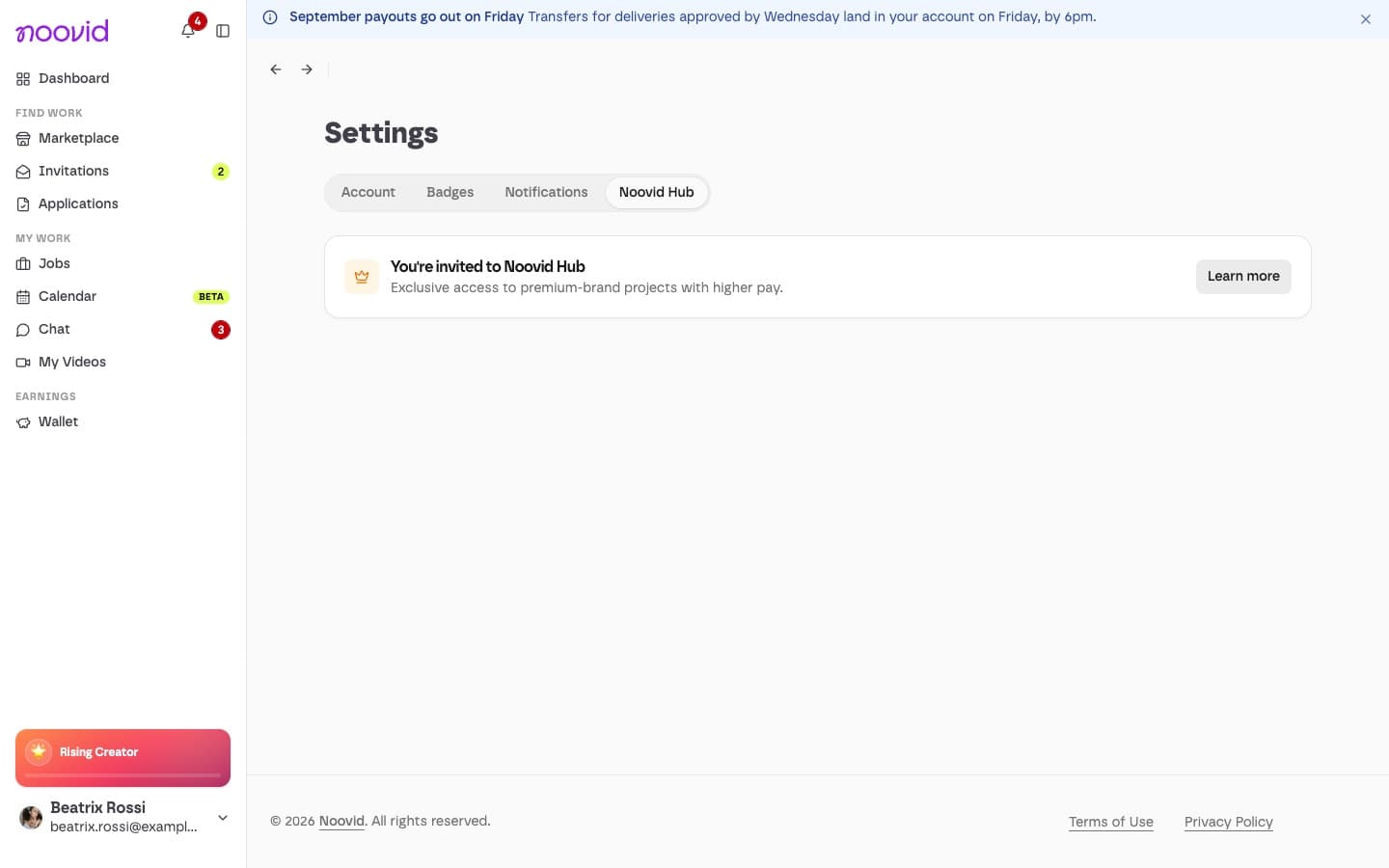
Click Learn more on the Noovid Hub invitation card — you'll find it on your dashboard and under Settings → Noovid Hub.
Choose whether to turn on Express (optional)
After a quick look at what changes, you're asked if you want Express invites. Choose Yes, turn on Express 48h only if you can deliver within 48 hours when you're booked for Express projects (they pay extra), or Standard projects only for now. You can change this later with the 48-hour delivery toggle in Settings → Noovid Hub.
Accept the terms
Tick that you accept the Noovid Hub Terms and the Pro Delivery Policy, then click Accept and join Noovid Hub.
From then on, Pro brands can find you in the Hub and invite you directly. Hub projects pay more and have a 5-day delivery deadline.
👋 Leaving
You can leave at any time under Settings → Noovid Hub: click Leave Noovid Hub and confirm with Leave. Your profile stops appearing in the Hub and you stop getting Hub invites, but any projects you've already accepted carry on as normal.
Rejoining
You may be able to rejoin later from the same page (Rejoin Noovid Hub), unless you were removed by Noovid. Inactive creators may be removed from the Hub after a review.