
How do I change my profile information?
Where to update your name, photo, bio, categories, languages, address, CPF, Pix key and portfolio, and how to preview your profile as a brand sees it.
Go to Settings → Account — you can update almost everything there. Keeping your profile current keeps your projects running smoothly, and complete profiles get chosen more often. 😃
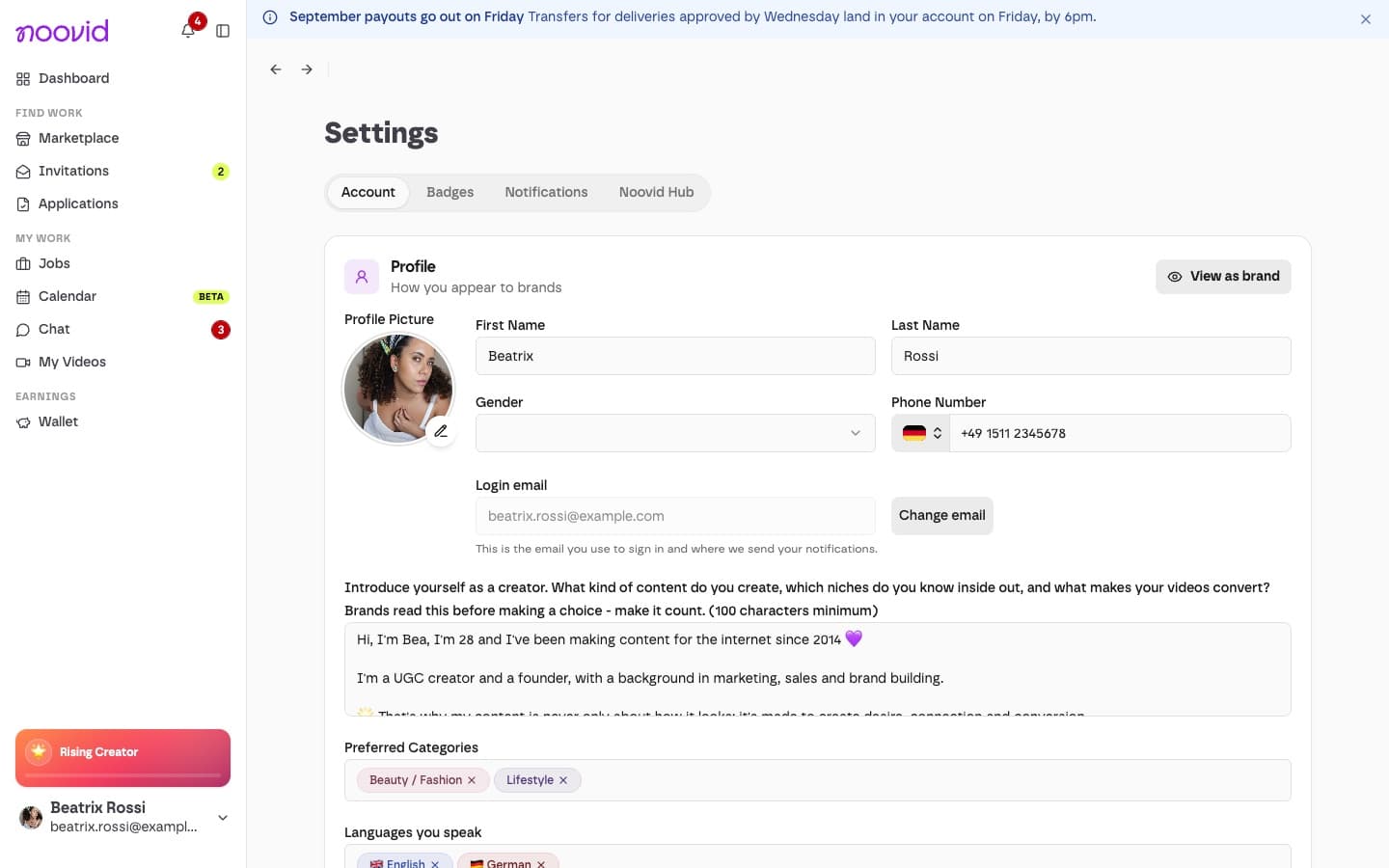
✏️ What you can edit
- Profile: profile photo, first and last name, gender, phone number, login email, bio, content categories, languages and Films with (who or what can appear in your videos, for example a partner, a child or a pet)
- Social Networks: your Instagram and TikTok handles (optional — brands don't see them)
- Portfolio: add, remove or reorder videos. My portfolio
- Payment: your CPF and your Pix key. To get paid, you also need to complete your Stripe setup from your Wallet. How to set up payments
- Address: where brands ship products to you — check it's up to date before applying to new projects
When you make a change, a bar appears at the bottom of the page — click Save when you're done.
💾 Can't save your profile?
If Save doesn't work, or you see Please complete the required fields before saving., check these points:
- Bio: at least 100 characters. Emails, usernames, phone numbers, links and mentions of other social platforms aren't allowed. If you see Your bio needs a few changes before it can be saved, the message underneath tells you what to change.
- Profile photo: a PNG or JPG file up to 4 MB.
- Required fields: fill them all in, including at least one content category and one language.
Then click Save in the bar at the bottom of the page.
👀 See your profile as a brand sees it
Tip
Click View as brand to preview exactly what brands see when they review your application.
🚫 What you can't change yourself
Your country can't be changed after sign-up. If you've moved, contact our support team.
Any other questions? Our support team is happy to help.