
How can I chat with my creator?
How to chat with creators on the platform: the Chat inbox, the job page, message translation and when chat is paused.
You chat with your creator right on the platform — click Chat in the sidebar or open their job page. It's simple and secure.
💬 Where to find the chat
- Click Chat in the sidebar to see all your conversations with creators on active projects in one inbox. You can search, filter unread messages and see when a message has been seen.
- Or open the creator's job page — the chat is right there, next to the delivery and review steps.
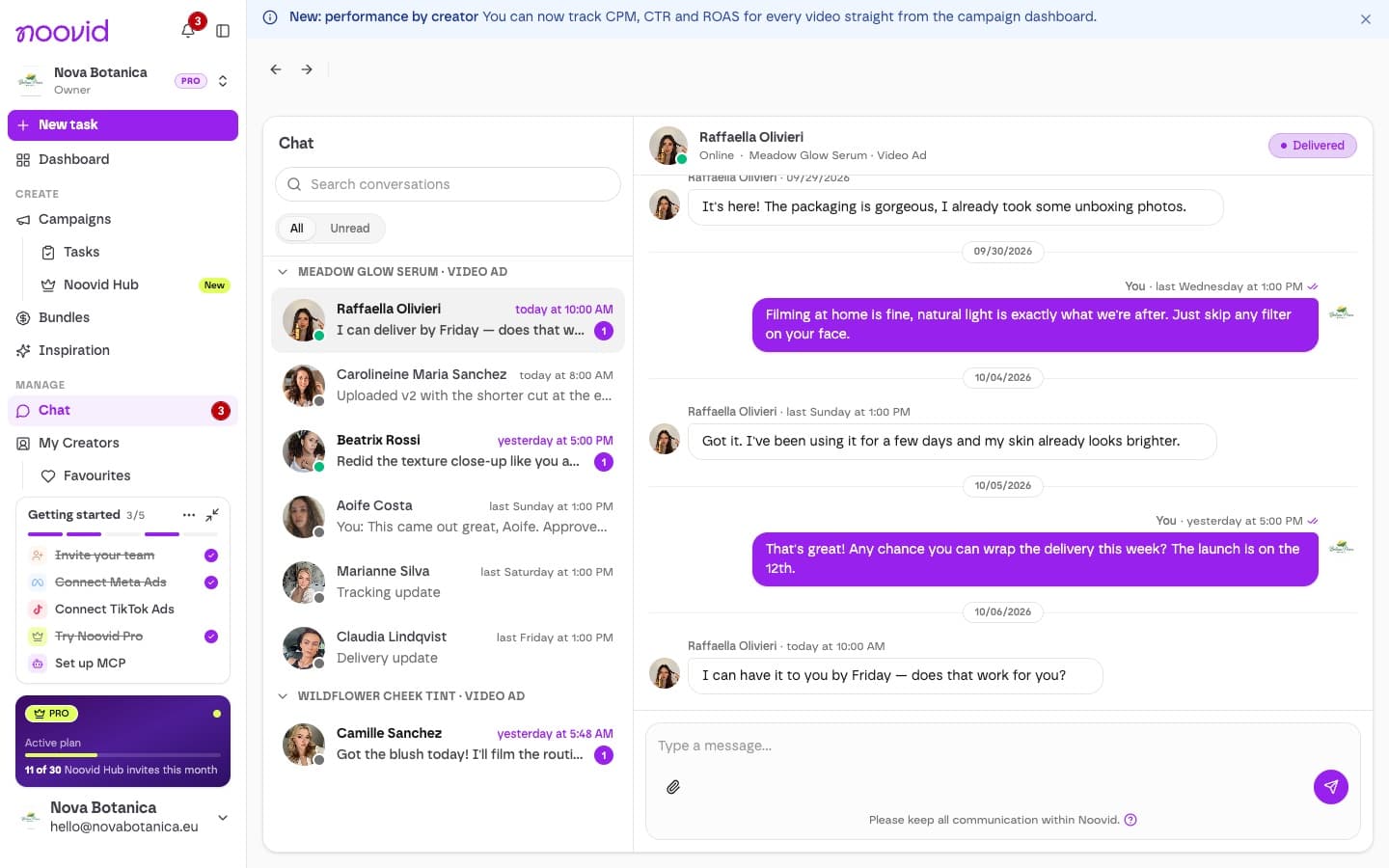
Use the chat to answer questions, ask for updates or agree on project details. You can also send reference videos — from the Inspiration library or videos you already received. How to send reference videos
🌐 Different language?
Click Translate on any message to read it in your app language, and Show original to switch back. Creators can do the same with your messages.
⏸️ When is the chat paused?
- While a video is waiting for your review, the chat is paused — approve it or put your feedback in the revision request.
- Once a job is completed, its chat closes.
Keep it on the platform
All communication needs to stay on the platform. Messages that try to share phone numbers, emails, social media handles or external links are automatically blocked or flagged for review, to protect both sides. Communication guidelines
Run into any trouble? Our team is here to help.
Communicating with creators: what's allowed and what isn't
Why all communication with creators stays on the Noovid platform, the one exception for product shipping, and what happens if the rule is broken.
What are the main benefits of User-Generated Content (UGC)?
The main benefits of UGC: more sales, lower cost, fresh content for social media, trust, and standing out from the competition.