
How do notifications and the getting-started checklist work?
Where Noovid tells you about applications, deliveries and messages, how to manage emails, and what the getting-started checklist is.
Noovid lets you know whenever something needs you — in the app and by email.
🔔 In the app
Click the bell to see your notifications:
- New applications and new messages
- Videos and photos waiting for review
- Social Boost posts and deliveries
- Invites accepted or declined
- Partnership Ads codes
📧 Emails
We also email you about the important steps, like new applications, deliveries to review and reminders before auto-approval.
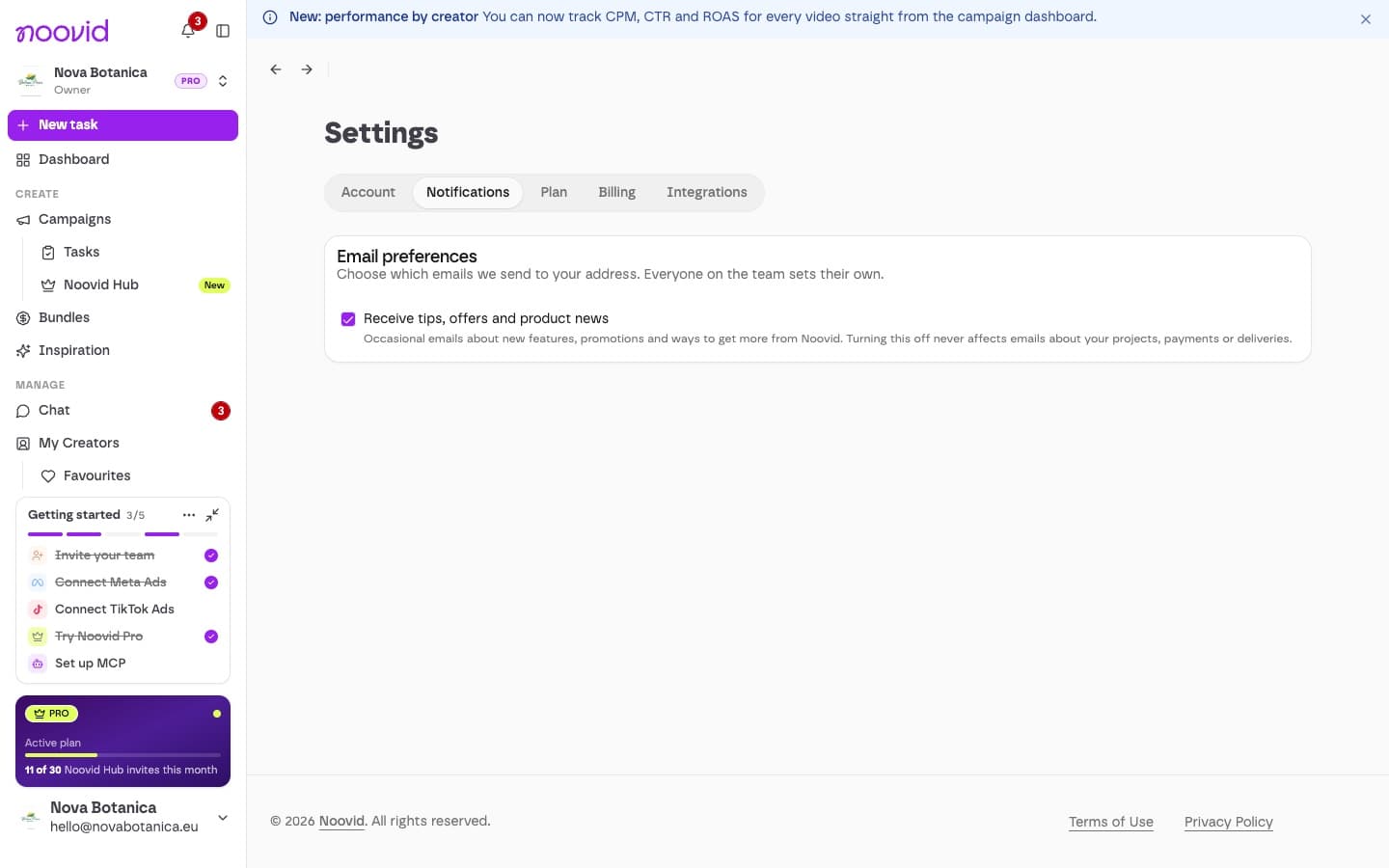
- Under Settings → Notifications you can choose whether to receive tips, offers and product news.
- Each team member sets this for themselves.
✅ The getting-started checklist
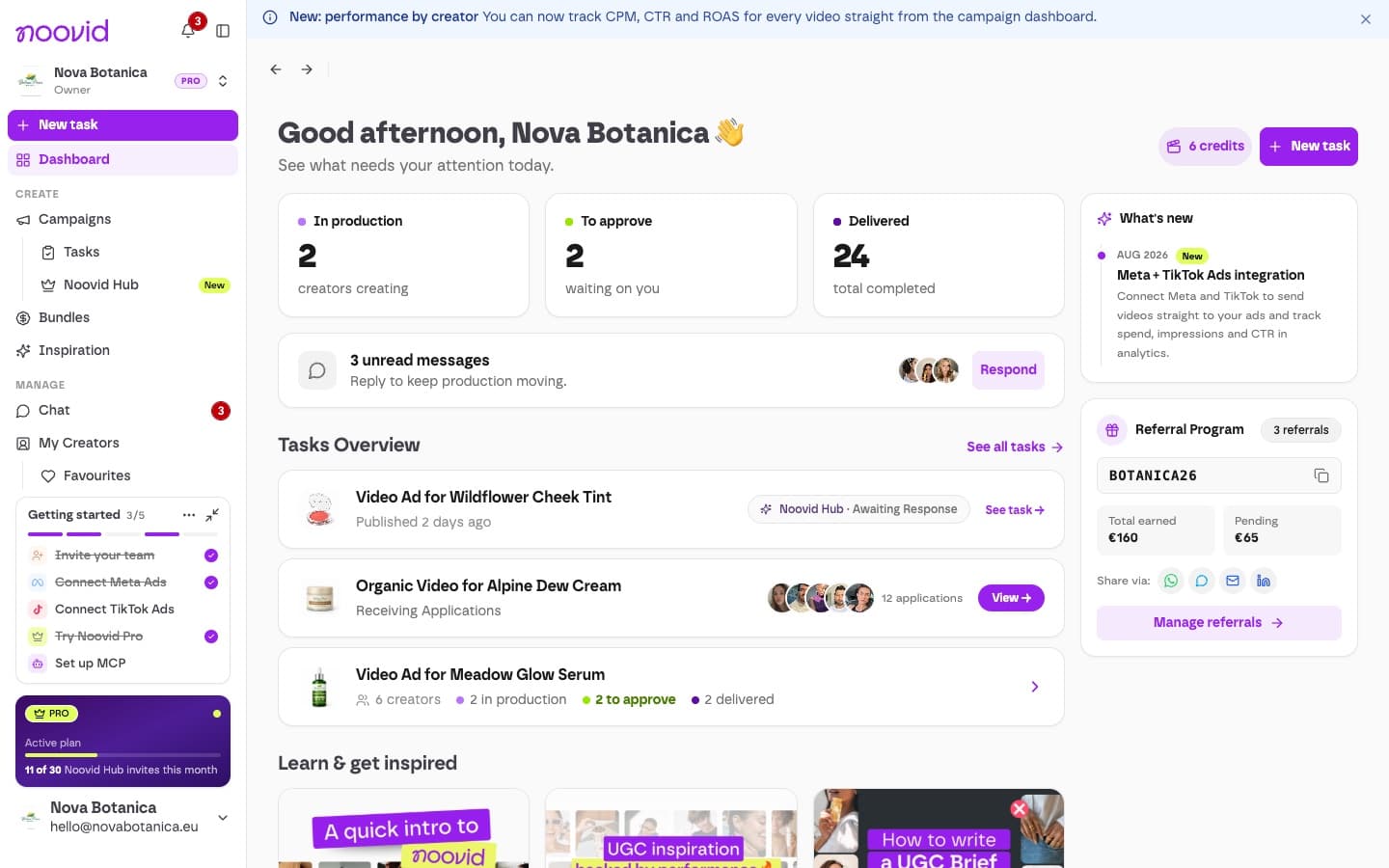
When you're new, a checklist sits at the bottom of the sidebar to help you set up:
- Invite your team
- Connect Meta Ads
- Connect TikTok Ads
- Try Noovid Pro
- Set up MCP (Pro)
Don't need it?
You can minimise it to fold it away, or open its ··· menu and choose Hide checklist — once hidden, it won't come back on that device. It disappears on its own once every step is done.
How do I invite my team, and what can each role do?
How to invite team members to your brand account and what Owners, Admins and Members can do.
How does Noovid protect your brand's data and privacy?
How Noovid protects your brand's data, who can see what, and how to exercise your rights under the LGPD.