
How do notifications and the getting-started checklist work?
Where Noovid tells you about applications, deliveries and messages, how to manage emails, and what the getting-started checklist is.
Noovid lets you know whenever something needs you — in the app and by email.
🔔 In the app
Click the bell to see your notifications:
- New applications and new messages
- Videos and photos waiting for review
- Social Boost posts and deliveries
- Invites accepted or declined
- Partnership Ads codes
📧 Emails
We also email you about the important steps, like new applications, deliveries to review and reminders before auto-approval.
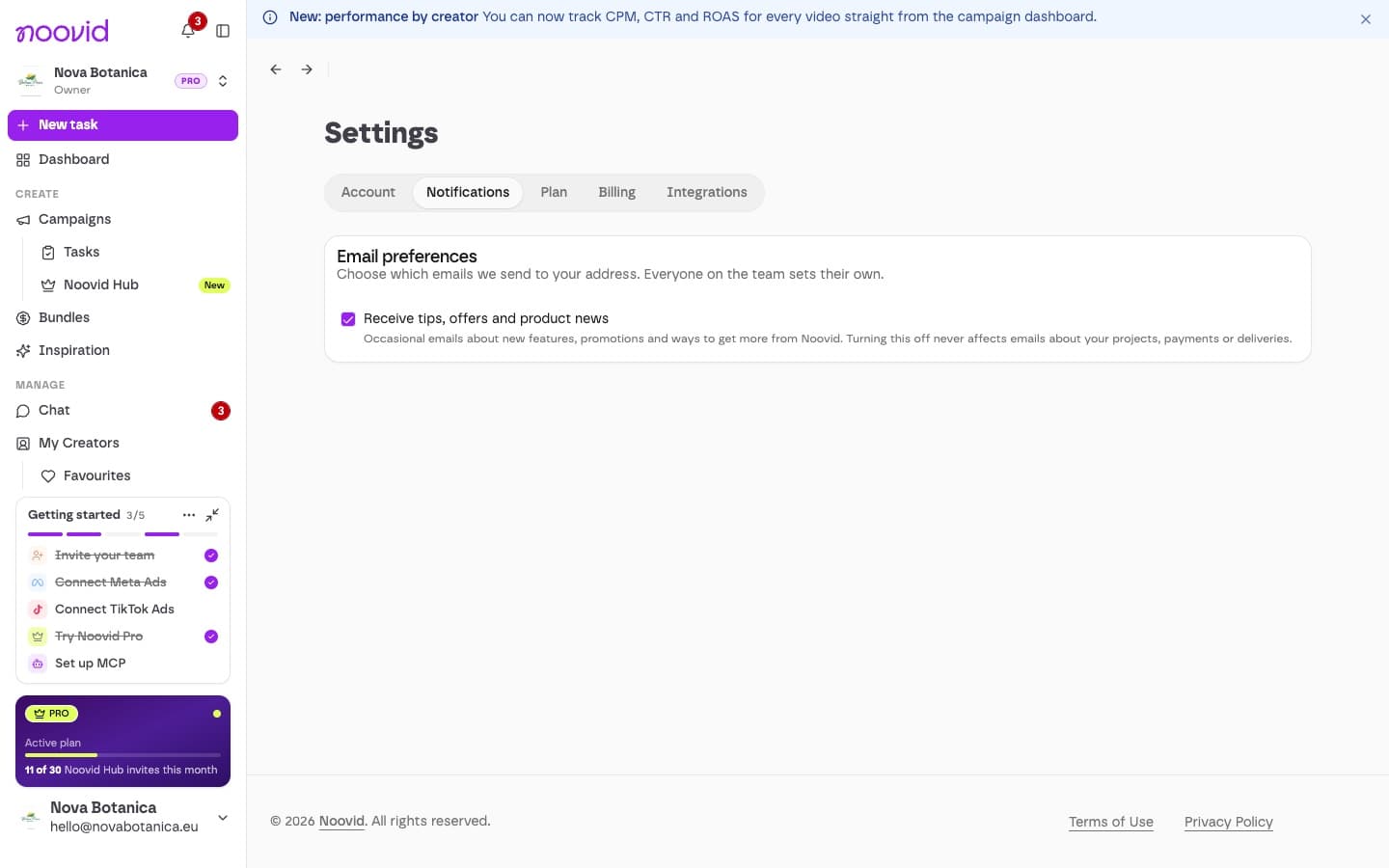
Under Settings → Notifications you can choose whether to receive tips, offers and product news. Each team member sets this for themselves.
✅ The getting-started checklist
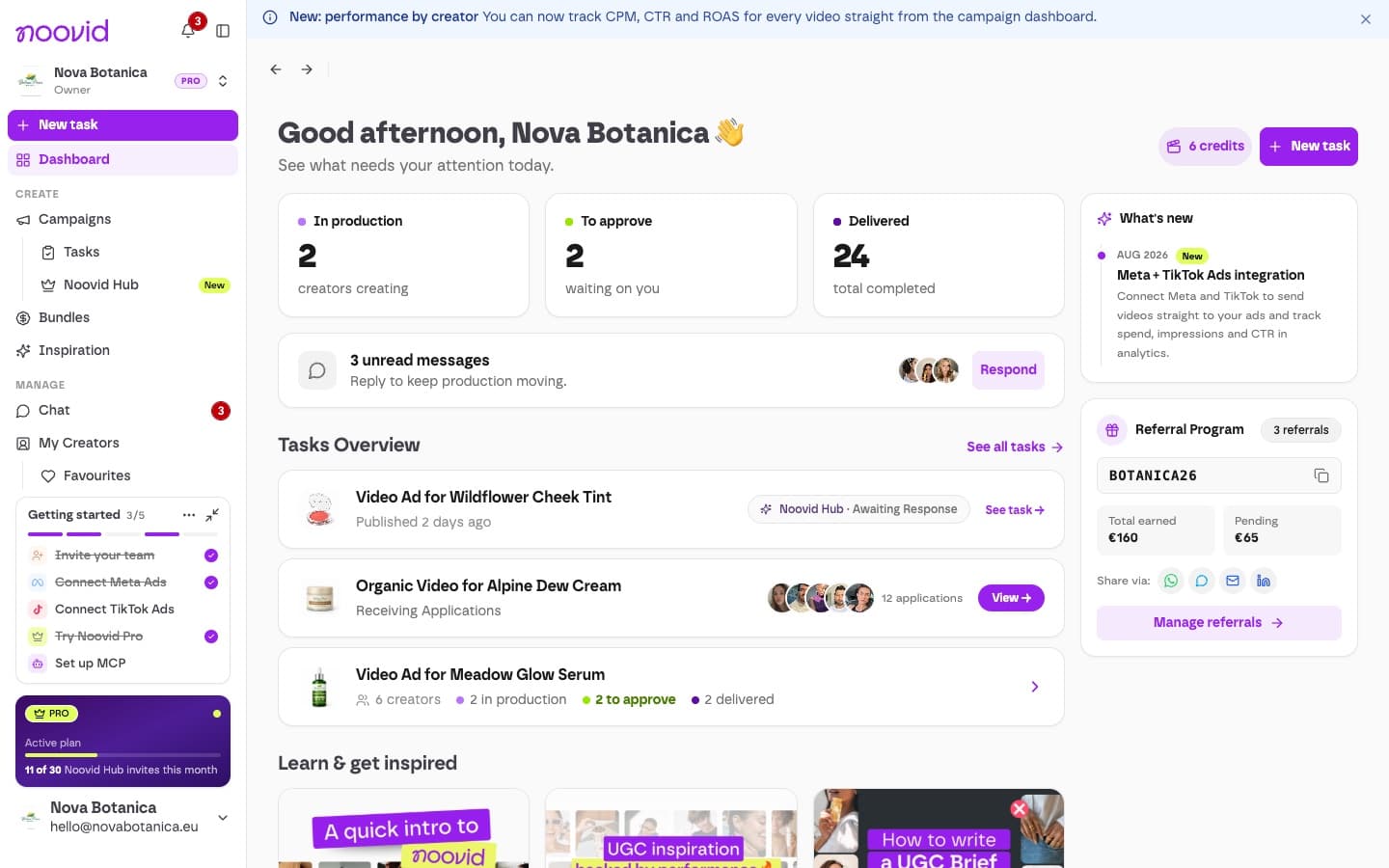
When you're new, a checklist sits at the bottom of the sidebar to help you set up:
- Invite your team
- Connect Meta Ads
- Connect TikTok Ads
- Try Noovid Pro
- Set up MCP (Pro)
Don't need it?
You can minimise it to fold it away, or open its ··· menu and choose Hide checklist — once hidden, it won't come back on that device. It disappears on its own once every step is done.