
🎬 Creating a project
How do Campaigns work?
Group your projects into campaigns, plan them on a calendar and follow their progress and ad results in one place.
Campaigns let you group projects around a launch, a season or a promotion, so you can follow everything in one place.
🗂️ Creating a campaign
Start a campaign
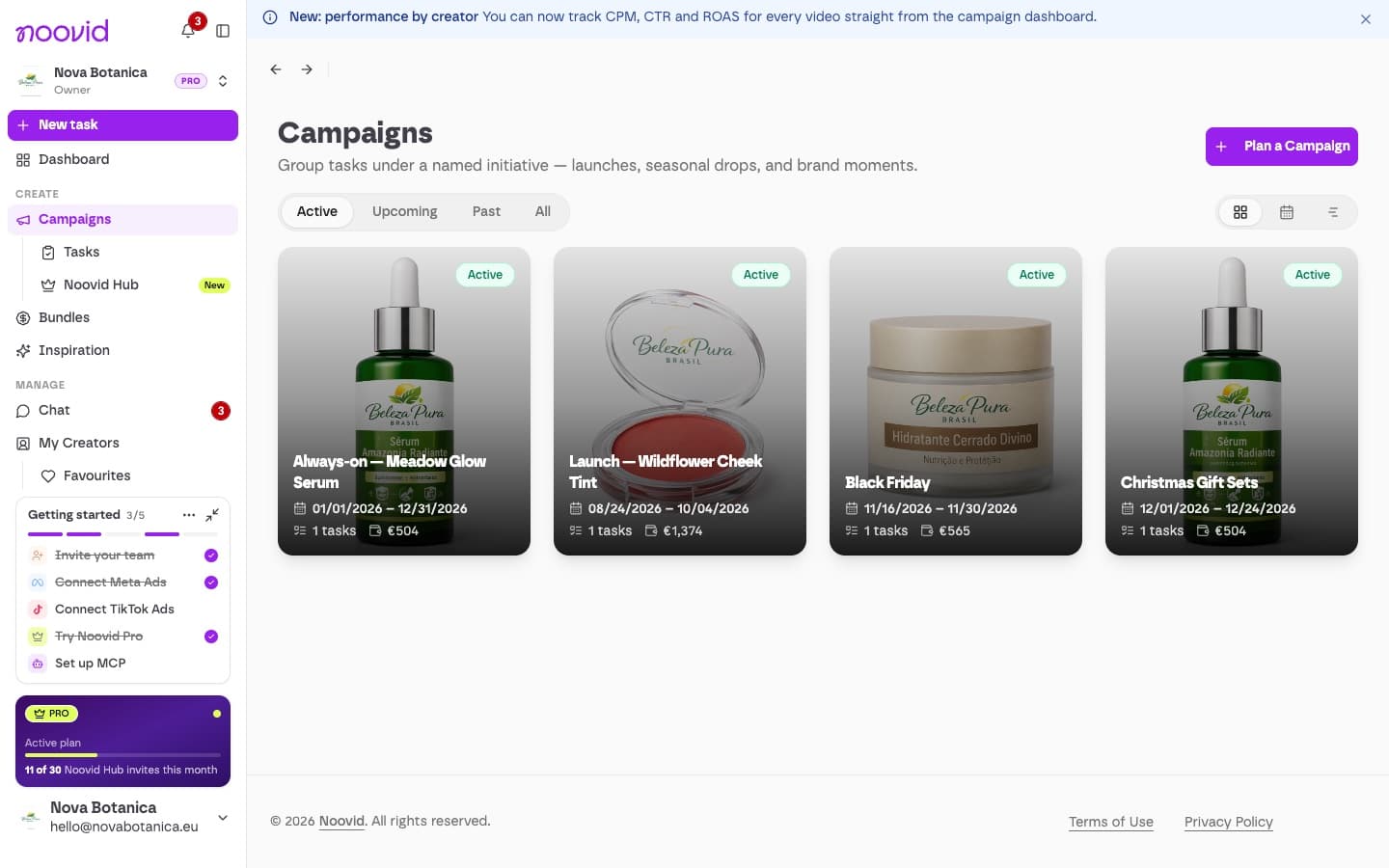
Click Campaigns in the sidebar, then Plan a Campaign.
Add the details
Add a name, the promo details (your goal), a description, a cover image and, if you like, start and end dates.
Add projects
Attach existing projects, or create new ones from inside the campaign. A project can belong to more than one campaign.
📅 Viewing your campaigns
- Switch between Grid, Calendar and Timeline views. In the calendar, you can drag across days to plan a new campaign.
- Filter by All, Active, Upcoming or Past.
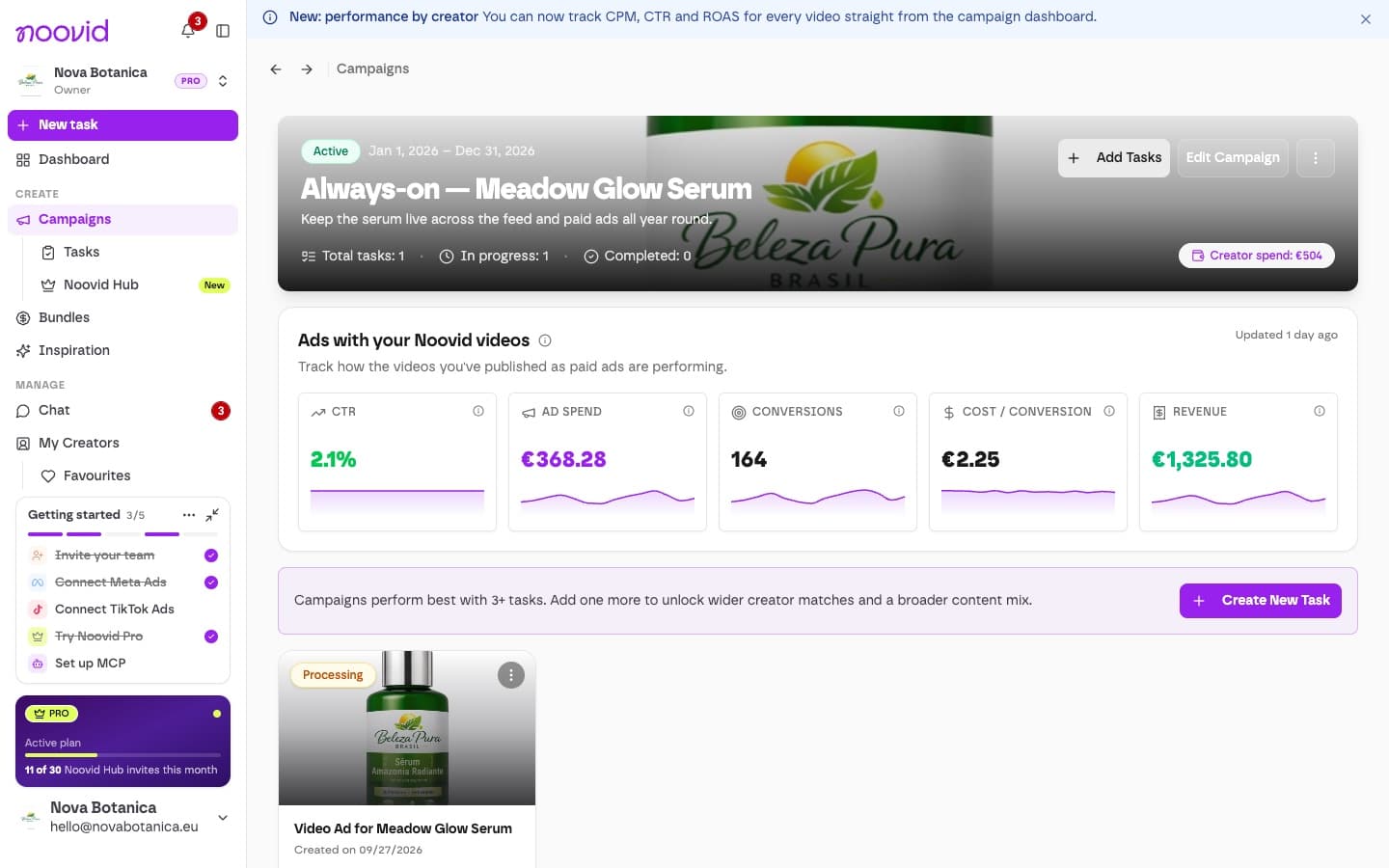
- Each campaign shows its total projects, how many are in progress and completed, and how much you've spent with creators.
- If you've connected Meta or TikTok Ads, you'll also see how the campaign's videos are performing as ads.
💡 Good to know
- Deleting a campaign doesn't delete its projects.
- Creators don't see your campaigns — they're just for your team.
| Free | Noovid Pro | |
|---|---|---|
| Active or upcoming campaigns at a time | Up to 3 | No limit |
Campaigns without dates
A campaign without dates counts as upcoming.