
✅ Deliveries & approval
How do I download my videos and photos?
Where to find your approved content, the download quality, and why previews are watermarked before approval.
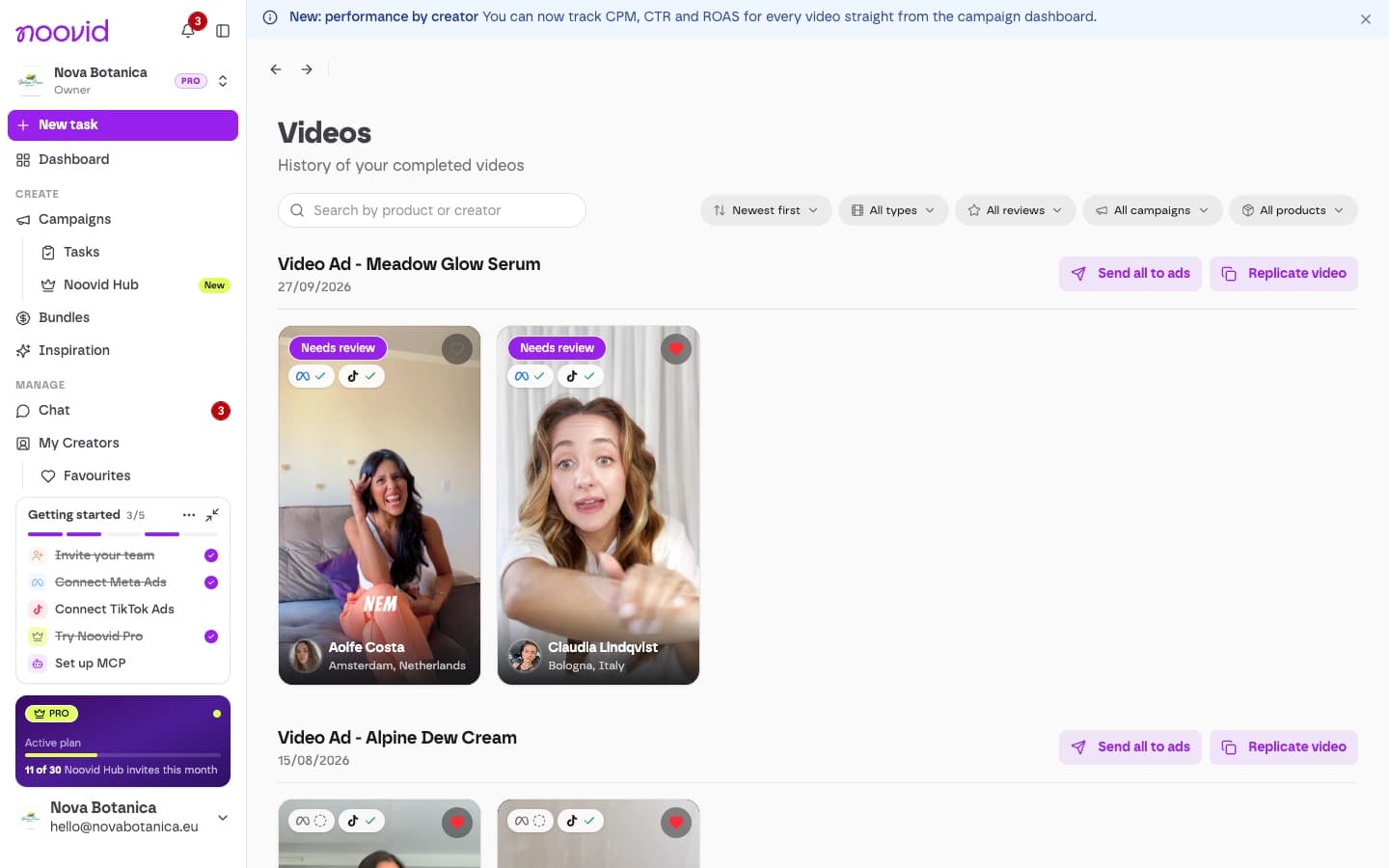
Once you approve a delivery, you can download the clean files from the job page or from Videos in the sidebar.
🔒 Before approval: watermarked previews
While a video or photo is waiting for your review, you'll see a watermarked preview. This protects the creator's work until it's approved.
⬇️ After approval: the clean files
When you approve a delivery (or it's approved automatically after 7 days), the clean files are released:
- Videos: download as MP4, in the highest available quality or capped at 1080p.
- Photos: download the full-resolution originals.
You'll find them on the job page and, for all your projects together, under Videos in the sidebar.
💡 Good to know
- You get the final edited video. Raw footage and project files aren't included.
- Download links are created when you click and expire after a short time for security — if one has expired, just click download again.
- Your content stays in your account, but it's a good idea to download a copy for your own records too.
Skip the download
You can also send approved videos straight to your Meta or TikTok ad account without downloading them. Sending videos to Meta and TikTok